
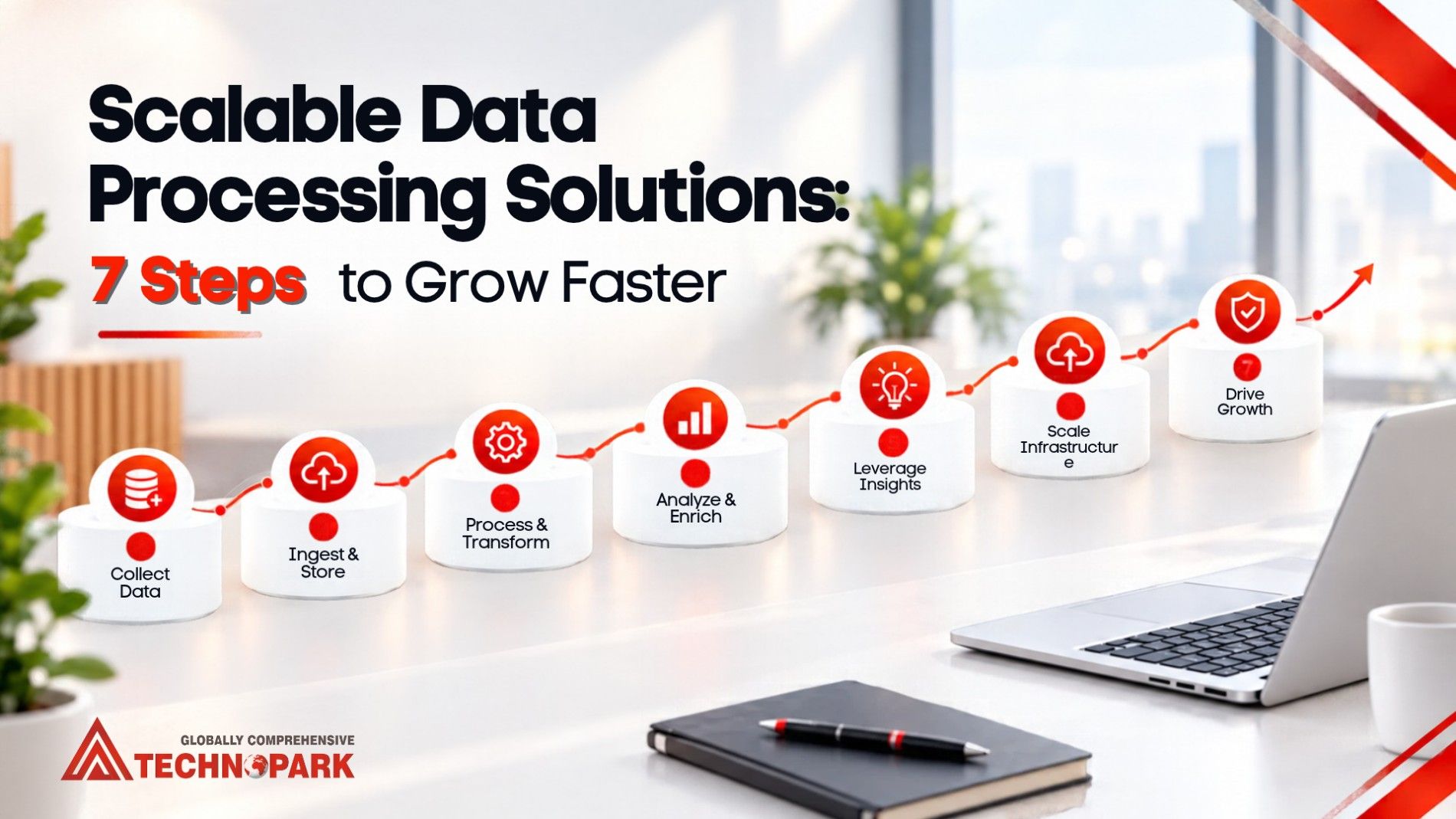
Growth is great until you have a data build up. Customer records, invoices, leads, and sales reports multiply fast. Before long, your team spends more time sorting information than using it.
This problem is tackled by scalable methods for data processing. They allow you to work with more data, without compromising speed or accuracy.” Whether you run a startup, an agency, or an established company, the goal is the same: a practical way to manage data that grows with you.
What Are Scalable Data Processing Solutions?
Scalable data processing solutions are systems, tools, and workflows that let a business collect, clean, validate, and deliver growing volumes of data without losing speed or accuracy. They mix automation, cloud resources, quality checks, and skilled people, so capacity can grow as the business does.
Put simply, you can handle ten times the records without hiring ten times the people.
Why Businesses Need Scalable Data Processing Solutions
A process that works for five people often breaks at fifty. A spreadsheet is fine for a few hundred customers. Some people’s worst fear.
Here’s where things usually go wrong.
Bottlenecks Build Up
More customers mean more data. If staff must type, check, and file every record by hand, backlogs form quickly.
Scalable workflows means you’re able to process more, without each new record having to go through the same manual process.
Messy Data Leads to Bad Decisions
Duplicate contacts, missing fields, and mixed formats skew your reports. A marketing team might count one lead three times because the CRM holds three entries. Validation rules catch these problems early, before they reach a dashboard.
Manual Work Drains Productivity
Copying data between spreadsheets isn’t a good use of anyone’s day. Automation takes over the repetitive parts. Your people can then focus on analysis, customer service, and decisions.
Growth Is Rarely Predictable
You might hit a seasonal rush, enter a new market, or inherit a large customer list. So, your processing capacity needs to flex with those changes. Scalable setups make that easier.
Types of Scalable Data Processing Solutions
No single option fits every business. The choice depends on volume and complexity of data, speed requirements, security rules and budget.
1. Processing of machine data
Automation deals with repetitive operations such as importing entries, checking required fields and creating reports. For example, an online store can import product data automatically and identify products without descriptions. Exceptions are only reviewed by staff. Automation is best when you have clear instructions to give it on how to do things over and over again.
2. Cloud-Based Data Processing
Cloud platforms let you raise or lower computing and storage as workloads change. You skip the cost of extra hardware during busy periods.
One caution: the cloud won’t fix poor data or clumsy workflows. You still need to sort those out first.
3. Batch and Real-time Processing
Batch processing is the processing of records in groups at certain times. Great for payroll files, monthly reports or bulk document conversion. Real-time processing is the processing of data as it arrives. It suits fraud alerts and live inventory updates.
Choose based on need. If you only read a report each morning, real-time systems add cost and complexity you don’t need.
4. Outsourced Data Processing Services
Outsourcing lets you hand defined tasks to an outside team. They are data entry, data cleaning, data verification, data conversion and data extraction.It’s useful when your staff is short on capacity or when workloads spike.
Before you outsource, agree on accuracy targets, turnaround times, access permissions, and confidentiality rules.
Benefits of Scalable Data Processing Solutions
A well-planned system pays off in everyday work. Here’s what you can expect.
Better accuracy. Validation rules flag up duplicates, missing values and strange formats.Standard procedures also ensure consistency between different team members.
Quicker turnaround. Clear workflows cut time from data received to data used. For example, a company can standardize its supplier files and validate its fields before the company updates its database. Teams then see current information sooner.
Higher productivity. Less repetitive work means more time for tasks that need judgment. Finally, the aim isn’t to remove people. It’s to use them where they add the most value.
Room to grow. You can add records, sources, and delivery schedules without replacing your whole process.
More reliable reporting. The formats are the same, so it is easy to compare results, between teams, locations and time periods.
Scalable vs Traditional Data Processing
| Area | Traditional approach | Scalable approach |
| Data entry | Mostly manual | Automated where practical, with human review |
| Quality control | Spot checks at the end | Validation throughout the workflow |
| Capacity | Limited by staff and tools | Adjustable through automation or outside support |
| Reporting | Rebuilt in spreadsheets each time | Repeatable, standardized reports |
| Error handling | Fixed after delivery | Caught early as exceptions |
| Growth planning | Add capacity once backlogs appear | Track demand and plan ahead |
The modern approach also requires supervision by humans. Its real advantage is consistency and flexibility as your needs change.
How to Implement Scalable Data Processing Solutions
Start with the business problem, not a software purchase. Follow these six steps.
Assess your existing workflows
Think about the data coming into your business, who handles it, where it is stored and where it goes next. Watch for duplicates, repeated entry, slow conversions, and reporting delays.
A digital agency, for example, might find its team merges campaign reports from several ad platforms by hand every week. That’s a clear target.
Define Clear Requirements
Set measurable goals first. How much data do you process? and How often does it arrive? How fast do you need results, and how accurate must they be? Think about rules for entry, private data, and connections to other systems as well.
Therefore, clear requirements stop you from buying complex tools that don’t solve your actual problem.
Choose Right Tools & Resources
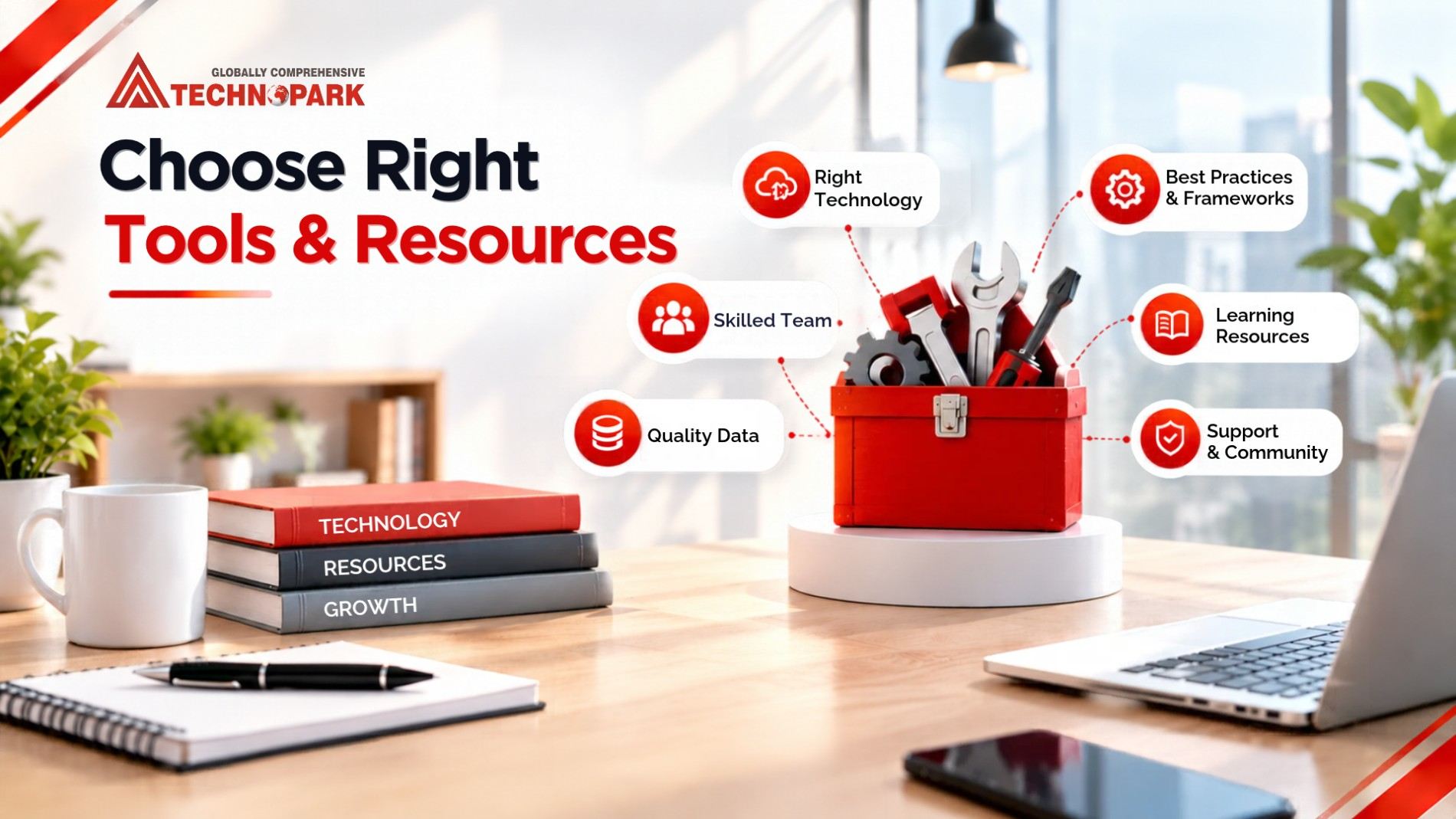
If you are a small business with steady work, you might be able to get away with standard templates, basic automation and a solid review process. A larger company with many systems may need cloud infrastructure and data pipelines.
If your real problem is a backlog of data entry or conversion, a trained processing team may beat a complex platform.
Standardize, Then Automate
Establish consistent naming, formatting, validation and error handling rules. Then automate what’s worth automating. Begin with something simple such as customer record deduplication or invoice data extraction. try it before you grow.
Build Quality Checks Into the Workflow
Don’t wait until delivery to check the quality. Along the way, use validation rules, exception reports, sample reviews, and reconciliation checks. Flag immediately if a required customer ID is missing. A reviewer can catch it before it goes into your reporting database.
Watch and Improve
Compare your results with your original targets. Monitoring of Processing Time, Errors, Backlog Size, Cost Per Record and Rework Then adjust staffing, rules and capacity as necessary.
How AI Can Improve Scalable Data Processing
AI helps most when data arrives in different formats or contains unstructured content. Here are the main uses.
Document extraction AI is able to pull fields from invoices, forms and contracts and then organize by type. How accurate it is depends on the document and the tool you use.Check key fields against a set of rules, then send questionable results to a person.
Record-matching. AI is able to identify records that are probably for the same individual or business, even when spellings differ. It doesn’t have to be exact matches, it flags them for review.
Anomaly detection AI is able to detect the abnormal values and patterns. Anomalies are an invitation to inquiry, not to presumption of error or fraud.
Workload prediction Forecast future demand based on past volumes to plan staffing. Forecasts are estimates, not promises.
AI works best in a controlled process. Access restrictions, privacy protections, validation and clear ownership continue to count.
Business and Marketing Use Cases
Digital Marketing and Agencies
Marketing data comes from websites, email tools, ad accounts, social platforms, and CRMs. Consistent processing has its benefits: standard campaign reports, no duplicate leads, clean contact lists, and an apples-to-apples comparison of channels.
An agency with several clients can build one repeatable reporting template. Standard fields mean no more rebuilding every report from scratch.
E-Commerce and Retail
Retailers can refresh product catalogs, check inventory, tidy up supplier data, and match sales. With consistent records, it’s easy to spot missing product details.
Health & Careers
Standard workflows facilitate appointments, forms, and billing records. But these records are confidential. Enforce strict access, confidentiality and appropriate privacy laws.
Operations and Finance
Finance teams can arrange transactions, translate documents and match records. Checks for mismatches before data moves downstream. Sensitive financial decisions should still follow your approval and compliance procedures.
Common Mistakes to Avoid
Even a modern system can fail if you skip the basics.
- Choosing tools before defining the problem. Find the bottleneck first. Then judge tools and providers against it.
- Automating poor-quality data. Automation repeats mistakes faster. Clean your records first.
- Ignoring integration. A new tool that can’t share data with your existing systems becomes another silo.
- Overlooking security. Give users only the access they need. Review vendor practices, retention policies, and incident procedures.
- Counting volume instead of value. More records processed doesn’t mean better results. Track accuracy and turnaround too.
- Skipping documentation. With written procedures quality stays the same when workloads or team members change.
How to Measure the ROI of Data Processing
Measure before and after. Claims about speed mean little without a baseline. Start with four metrics.
- Processing time: the gap between receiving data and delivering usable results.
- Error rate: records with errors ÷ total records reviewed × 100.
- Cost per record: total processing cost ÷ records completed.
- Rework rate: the share of completed records that need correction.
To estimate savings, use this formula:
Estimated savings = previous processing cost − new processing cost
To calculate ROI, compare net benefit with total investment:
ROI (%) = (net benefit ÷ total investment) × 100
Count software, integration, training, oversight, and running costs. If your benefit is saved time, note how that time is used, and don’t count the same benefit twice. Compare similar workloads for a fair result.
Future Trends in Scalable Data Processing
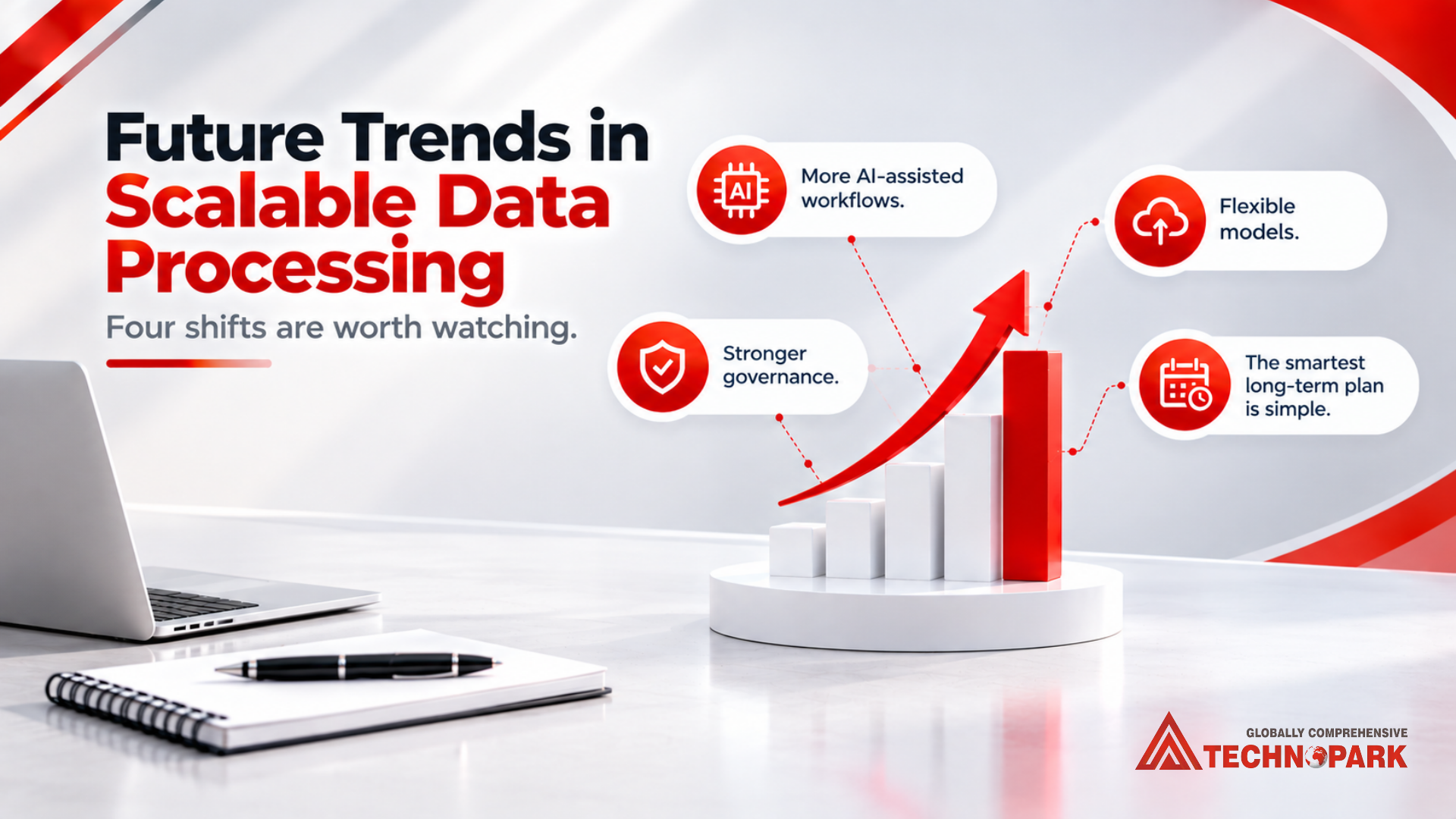
Four shifts are worth watching.
More AI-assisted workflows. Extraction, classification, and matching are becoming routine. Human review still matters where mistakes are costly.
More real-time data. Businesses that need instant alerts will adopt streaming. Scheduled batches will still suit many routine jobs.
Stronger governance. The more tools you have, the more important clear ownership, control of access, and traceability become.
Flexible models. Many businesses now blend internal teams, automation, cloud tools, and outside providers.
The smartest long-term plan is simple: build processes that adapt, without piling on complexity.
Create Data Processes That Scale With Your Business
As your data grows, you need processes to keep it accurate, accessible and useful. In scalable data processing solutions, you get all this through standard workflows, the right technology, built-in quality checks and flexible capacity.
Start with the most delayed or error-prone task. Define clear goals and select an approach that is relevant to today’s needs. Before you expand, watch the results. If your team is spending too much time on data entry, cleansing, conversion or verification, extra processing support could be a boon.
Find out about AAA Technopark data processing services and how structured workflows and scalable processing support can help your business meet growing data demands.
FAQs
1. What are scalable data processing solutions?
Tools, workflows and services to help a business handle increasing data with no loss of speed or quality, via automation and cloud processing.
2. How do small companies grow data processing?
Standardize formats, remove duplicates, and automate your slowest task first. Measure results, then expand. Backlogs can be cleared with external help.
3. What is the difference between data processing and data analytics?
Processing prepares raw data . Analytics studies that clean data to find trends. You need both, since messy data misleads analysis.
4. How Artificial Intelligence Can Help in Scalable Data Processing?
AI is able to extract document fields, match records, and find strange patterns. It isn’t always right, so test it and have people review uncertain results.
5. When should a business outsource data processing?
Consider it when volumes outgrow your team or backlogs keep growing. Then start with a pilot. Agree on accuracy, turnaround and security first.