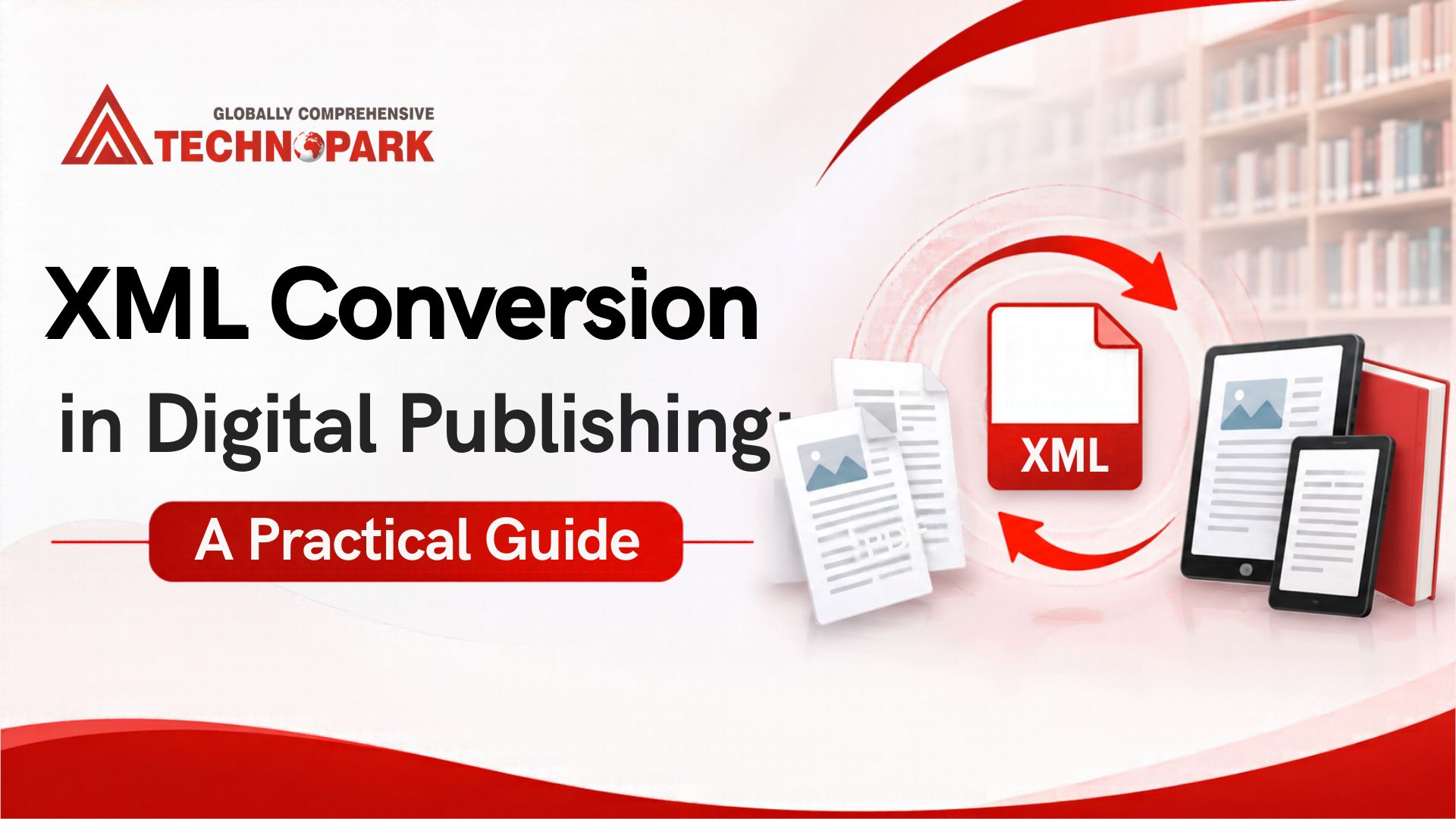
XML conversion in digital publishing transforms complex documents into structured, organized, and reusable digital content. Businesses, publishers, and educational institutions rely on accurate XML conversion to streamline content management, improve accessibility, and support multiple publishing formats. Our XML conversion in digital publishing services help turn diverse source documents into structured content ready for digital publishing.
One manuscript, many destinations. It might go out as a printed book, an EPUB, a web article, or a feed for an indexing platform. If every version is formatted by hand, production slows down and the versions start to drift apart. XML conversion fixes this at the source. Instead of treating content as a fixed page layout, it identifies the individual pieces: titles, paragraphs, chapters, tables, references. That structure supports reuse, consistency, accessibility, and multi-format publishing from one set of files.
What Is XML Conversion in Digital Publishing?
XML stands for Extensible Markup Language. It uses tags to describe what content is, not how it looks. A word processor cares about bold and font size. XML cares about whether a line is a heading, an author name, or a reference.
That difference matters because publishing systems can’t see a page the way a reader does. Tagged content is far easier for them to recognize, process, and reuse.
Here’s what a simple structure looks like:
xml
<sec>
<title>Introduction to Digital Publishing</title>
<p>Digital publishing supports content distribution across multiple formats.</p>
</sec>
The tags mark a section, its title, and its paragraph. Nothing in them says how the page should look. That’s handled separately.
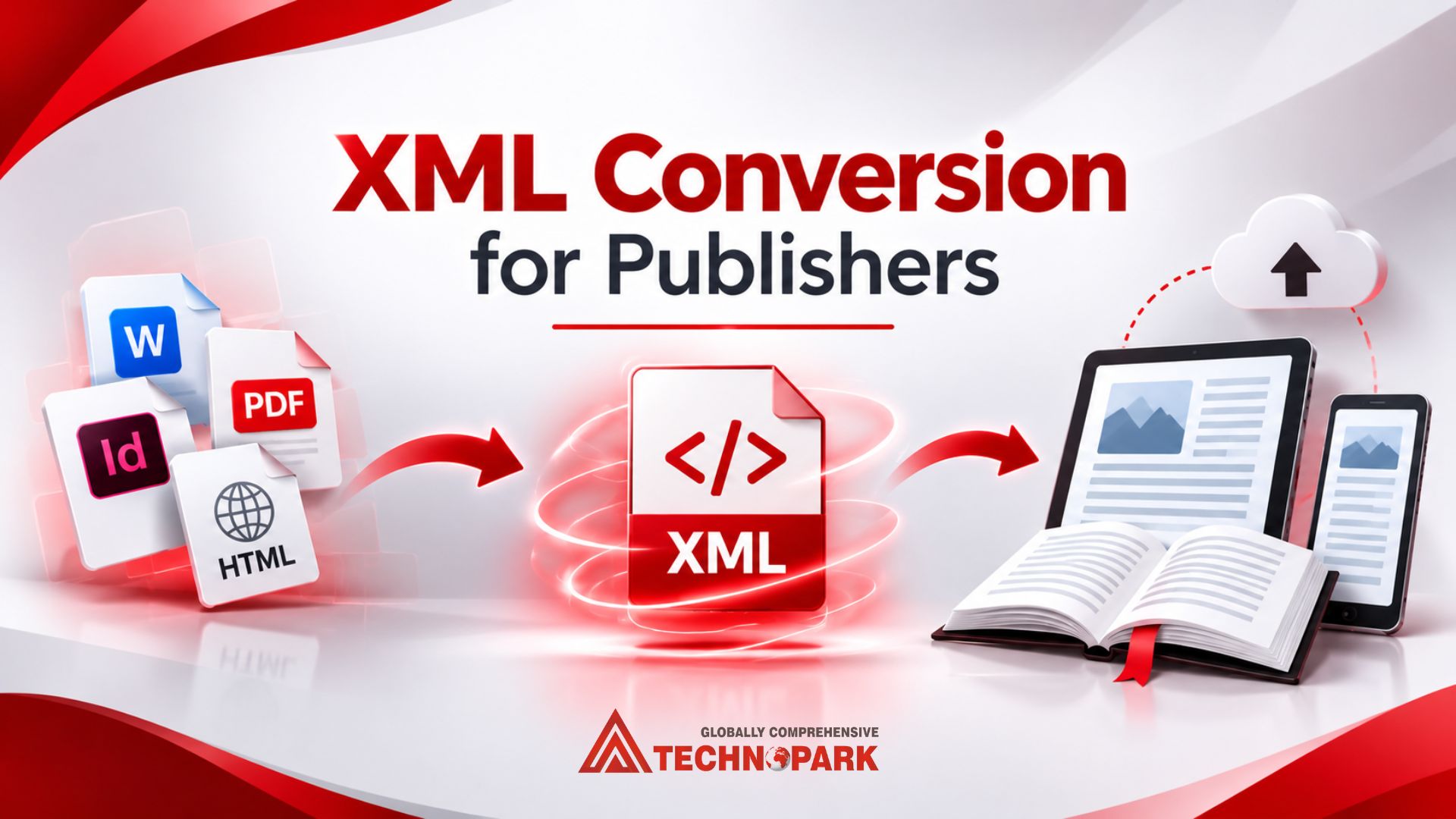
Conversion is the work of turning source files, such as Word documents, PDFs, InDesign files, HTML, or SGML, into this structured form. The result then feeds different outputs.
A typical XML publishing workflow:
Source files → Structured XML → EPUB, HTML, PDF, and other formats
Why XML Conversion Matters in Digital Publishing
Multi-Format Publishing
Most publishers send the same content to print, eBooks, websites, and archives. Building each version separately means duplicated work, plus mistakes that creep in differently each time.
With structured XML, one source can be processed into EPUB, HTML, and other outputs, with suitable layout rules applied to each. That is the idea behind multi-format publishing done properly.
Reusability and Easier Updates
Structure makes individual elements easy to find. Fix a chapter heading, an author detail, or a reference once, and you don’t have to rebuild the whole document. When the same content feeds several outputs, that one fix carries through to all of them. For publishers managing large collections of books and journals, that matters.
Consistency and Accuracy
XML paired with a schema applies defined tags and document structures. Validation then catches structural problems, such as a missing required element or a badly nested tag.
It won’t catch everything. Validation checks structure, not meaning, so spelling, facts, references, and overall quality still need a human review.
Scalability and Long-Term Management
Large volumes need workflows you can repeat. Structured XML is easier to store, retrieve, process, and reuse, and it keeps content separate from any single page design or output format.
How Does XML conversion in digital publishing Work?
The exact workflow depends on the source material, the required standard, how complex the content is, and the final output. Most projects follow four stages.
Content Analysis
Everything starts with the source files. The team reviews them to spot headings, paragraphs, tables, images, captions, footnotes, and references. That review decides the conversion approach.
Tagging and Structuring
Each element gets a suitable tag. Chapter titles, sections, paragraphs, tables, and references are organized to match the required document structure. Which tags apply depends on the publishing specification, and consistent tagging is what lets downstream systems read the content correctly.
Quality checking and validation
The converted XML is validated against the required schema or document rules for missing elements, incorrect nesting and structural errors. A quality review then covers accuracy, formatting consistency, and how tables, images, and references were handled.
Output Generation
Once the XML passes its checks, it generates the outputs the project needs: EPUB, HTML, PDF, or others.
Common XML Standards in Digital Publishing
These standards were built for different jobs, so they aren’t interchangeable. Choose based on your content type and how it will be used.
JATS XML
Journal Article Tag Suite (JATS) is an XML standard for describing and exchanging scholarly journal content. It covers article titles, abstracts, authors, sections, references, and figures. JATS grew out of earlier tag sets from the National Library of Medicine, and it’s widely used in scholarly publishing and journal archiving. You can read more at the official JATS site.
BITS XML
Book Interchange Tag Suite (BITS) is built for book content. It provides structures for book-level information, chapters, sections, and other book components.
DTBook
DTBook is an XML vocabulary tied to digital talking books and accessibility-focused workflows, used in some DAISY-related and educational settings. It shouldn’t automatically be the choice for every accessible publication, though. EPUB 3 includes accessibility features and has become an important format for accessible digital distribution, so check your delivery requirements first.
Custom XML Schemas
Some publishers build custom schemas for specific content and production needs. They permit specialized structures, but demand clear documentation, validation rules and constant maintenance.
Challenges in XML Conversion
Conversion improves content management, but it isn’t always smooth.
Complicated source structures
There are nested sections, tables, images, footnotes and inconsistent formatting to deal with. Legacy SGML archives need careful handling before they can be converted into XML.
Incorrect Tagging
Wrong or inconsistent tags change how publishing systems read content. A heading tagged as a paragraph, for instance, can cause trouble later in production.
Validation and Compatibility
A file can be well-formed XML and still fail the requirements of its schema. You have to check both the structure and its compatibility with the required specification.
Maintaining Accuracy
The conversion has to preserve the original content, including references, tables, captions, and special characters. Automation helps, but complex files still need quality checks by people.
How to Choose an XML Conversion Provider
Don’t stop at whether a provider can convert your file type. Look at its experience with the standards you need, how it handles complex source documents, its validation methods, and whether it can manage your production volume. A good provider will explain its quality assurance process, say how conversion errors are handled, and be clear about which output formats it delivers. Be certain that it is providing what your project needs.
Our team uses schema validation and a multi-tiered QA process, with workflows designed to support high-volume publishing production.
XML Conversion for Publishers
XML conversion gives publishers structured content that supports reuse, consistent production, and distribution across channels. Choosing the right standard and keeping a reliable validation process matter as much as the conversion itself.
Planning to structure your content for multi-format distribution? Our team converts Word, PDF, InDesign, HTML, and legacy SGML into validated XML that meets JATS, DTBook, and EPUB requirements. Get in touch with us for a free chat, or look at our XML conversion in digital publishing services.
FAQs
1. Digital publishing uses XML for several reasons.
XML allows you to structure content for reuse across formats.
2. What’s the difference between XML and EPUB?
XML structures the content. EPUB is the output.
3. Is XML necessary for eBook publishing?
Not always. Good for multi-format workflow.
4. What are the common XML formats in publishing?
JATS for journals. BITS for books.
5. How will XML affect the publishing workflow?
Re-use, validation and less repetitive formatting.